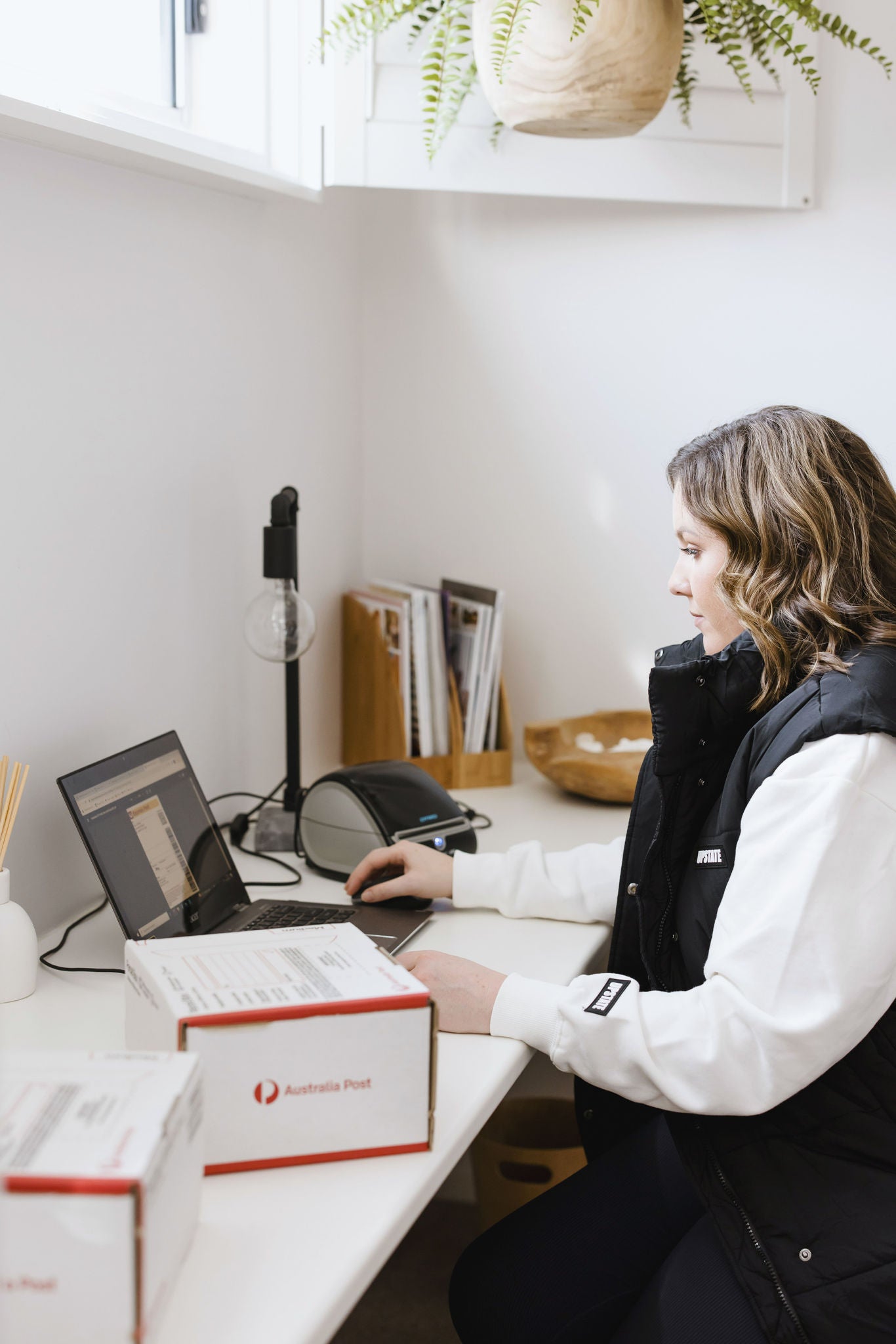
How to print a postage label at home
To pay for and print an online postage label, you’ll need a MyPost account. This free, personal account gives you access to a great range of features and benefits, including online postage labels.
-
-
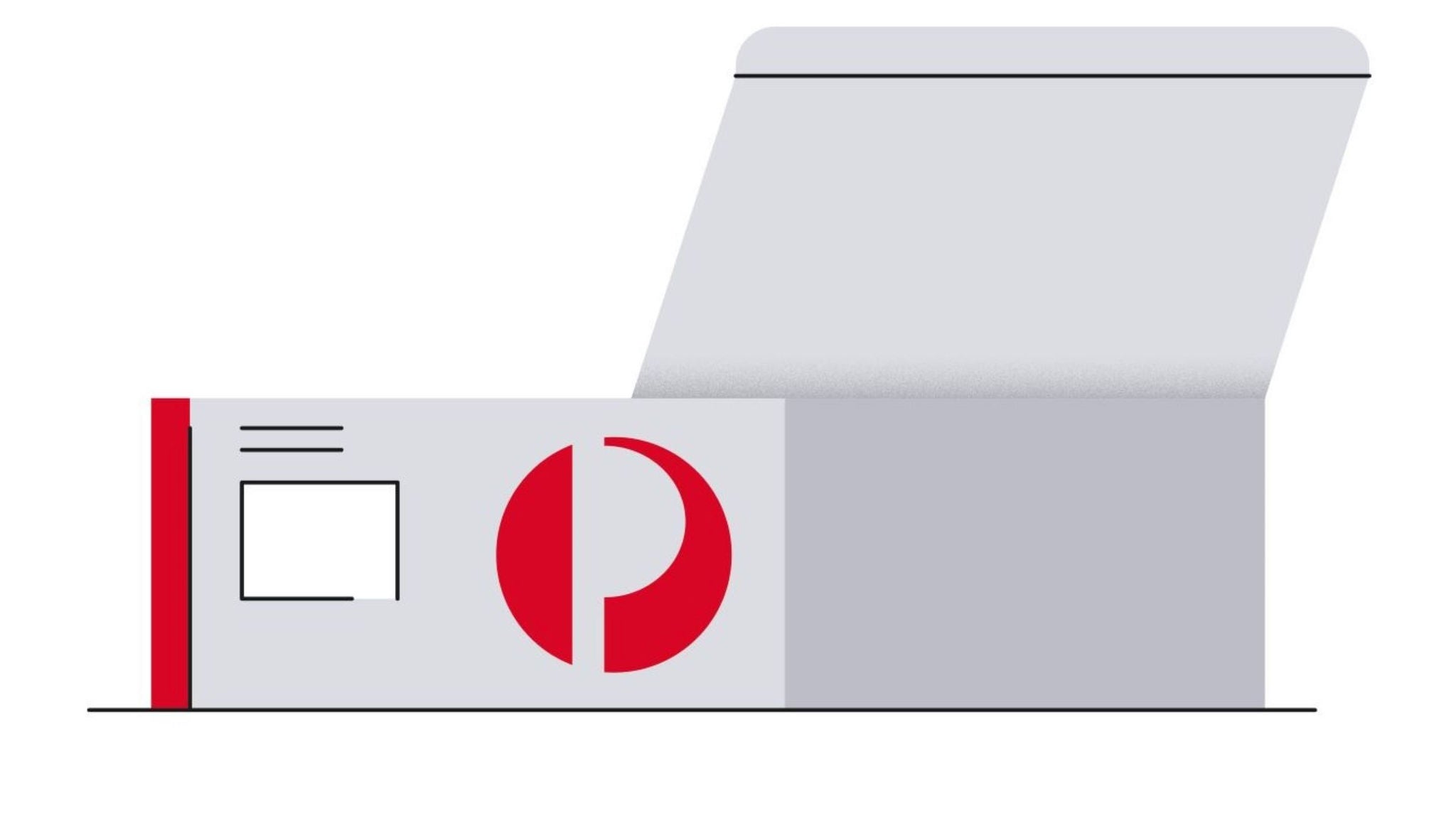
2. Pay for your postage, then print your label. Attach it to your item.
-
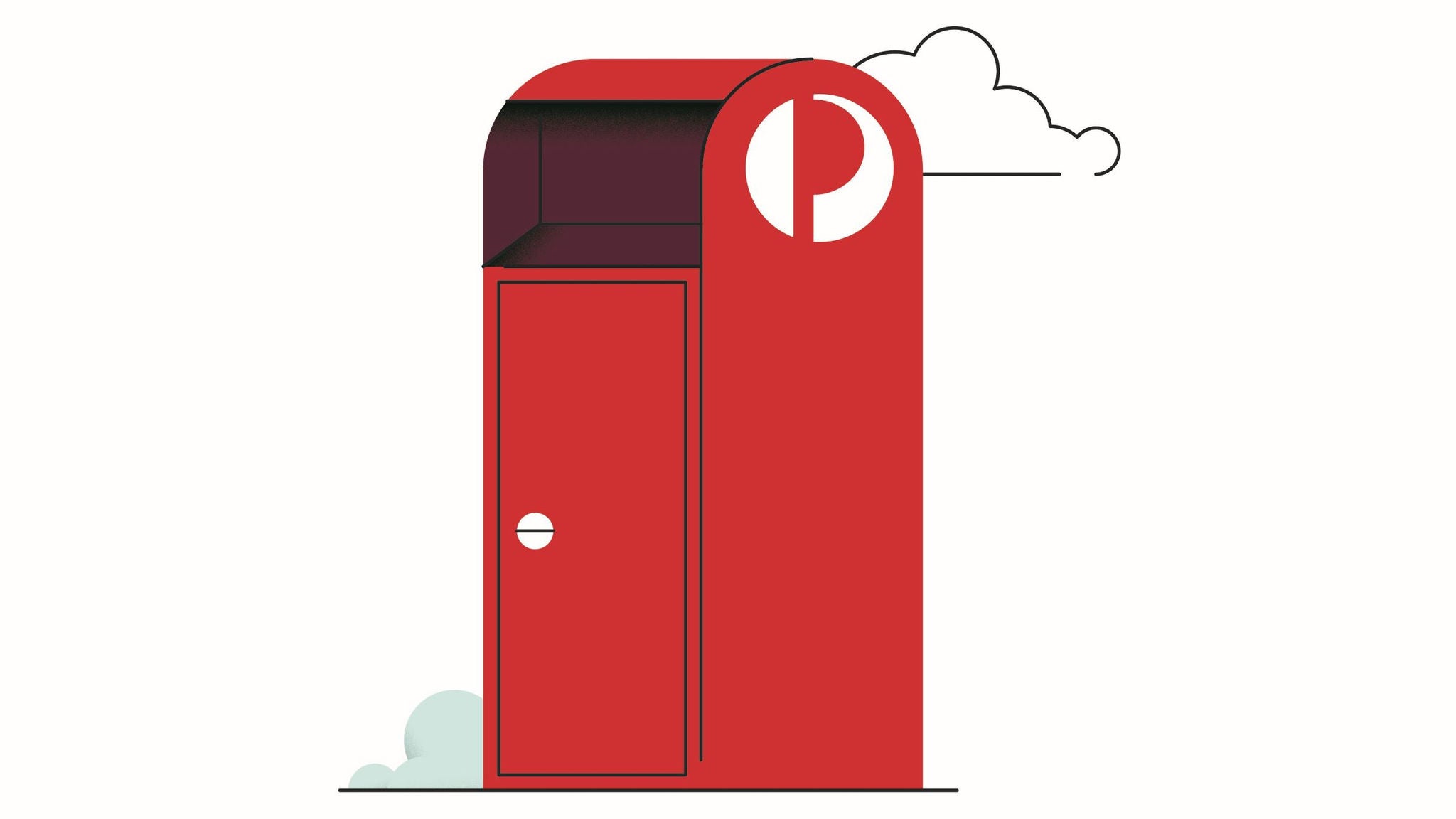
3. Drop off your parcel at a street posting box or Post Office.
How to print a postage label at home
To pay for and print an online postage label, you’ll need a MyPost account. This free, personal account gives you access to a great range of features and benefits, including online postage labels.
-
Drop-off locations
Find your nearest drop-off location, including Post Offices, Parcel Lockers and street posting boxes.
-
Packaging tips
Read our packaging tips to help us get your items to their destination safely.
-

Domestic parcels guide
Get information on Parcel Post, Express Post, parcel preparation, dangerous goods and more.
Frequently asked questions
Still have questions?
- Check our Online Sending Terms and Conditions.